


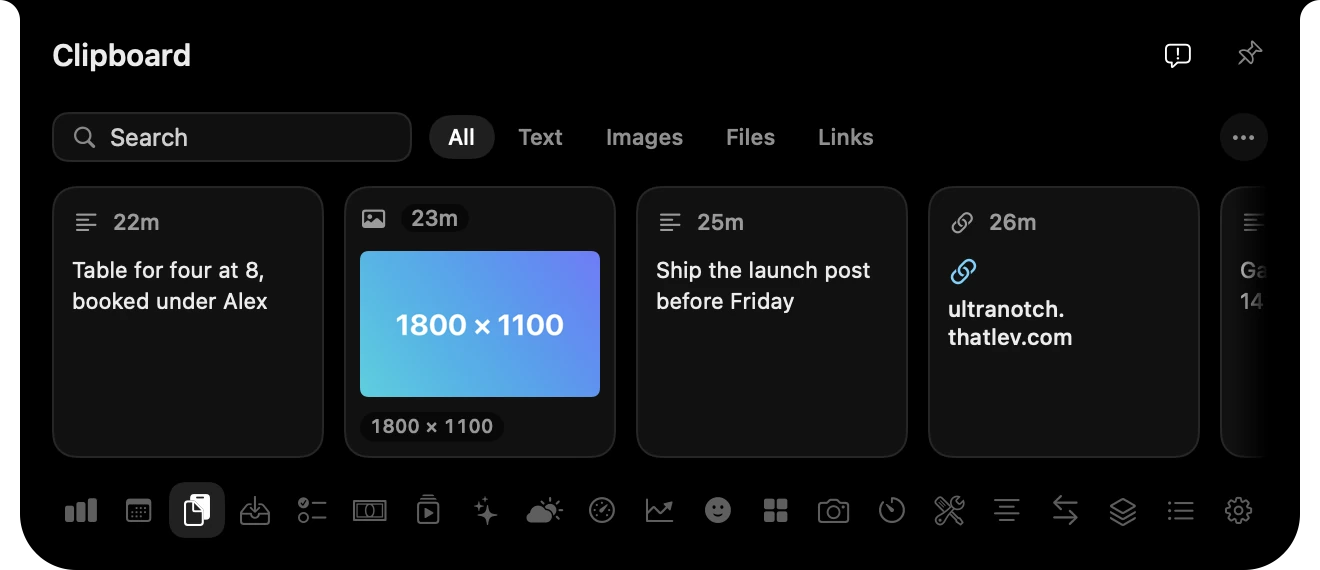
Clipboard history
Everything you copied, searchable, including pictures, files and links.
Everything you keep checking, one glance up.
Music, your day and your AI. Point at the notch to open. Move away to close.


A sale. A song. A full battery. There when you need it, gone when you don’t.
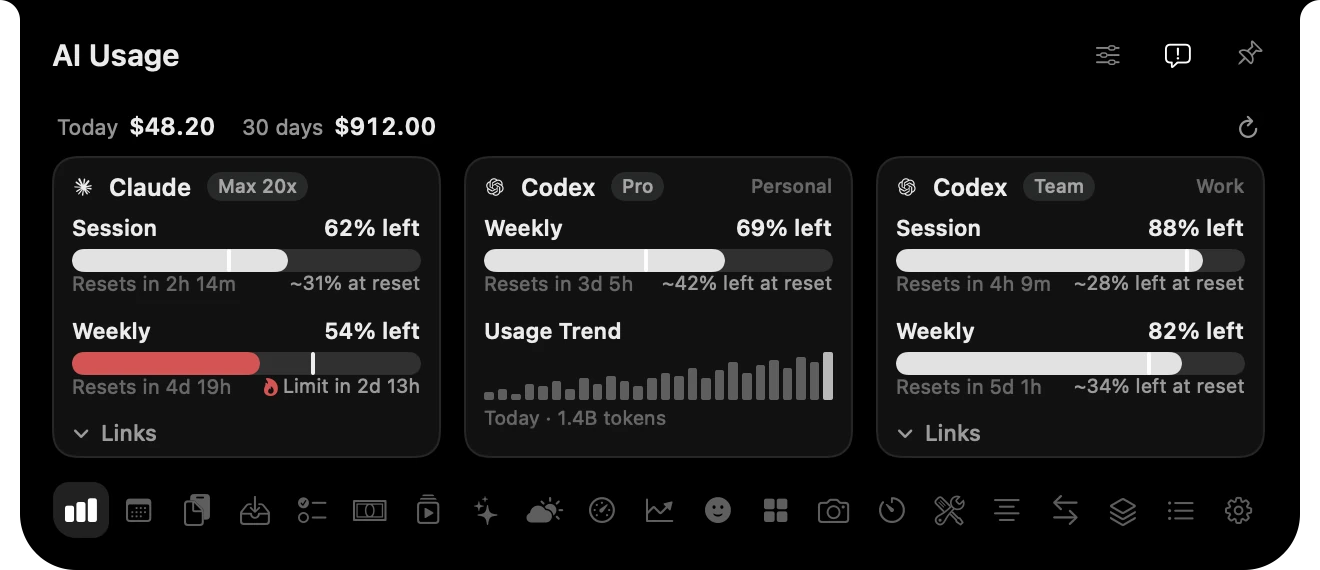
Claude and Codex limits, across your accounts. See what’s left before you hit the wall.
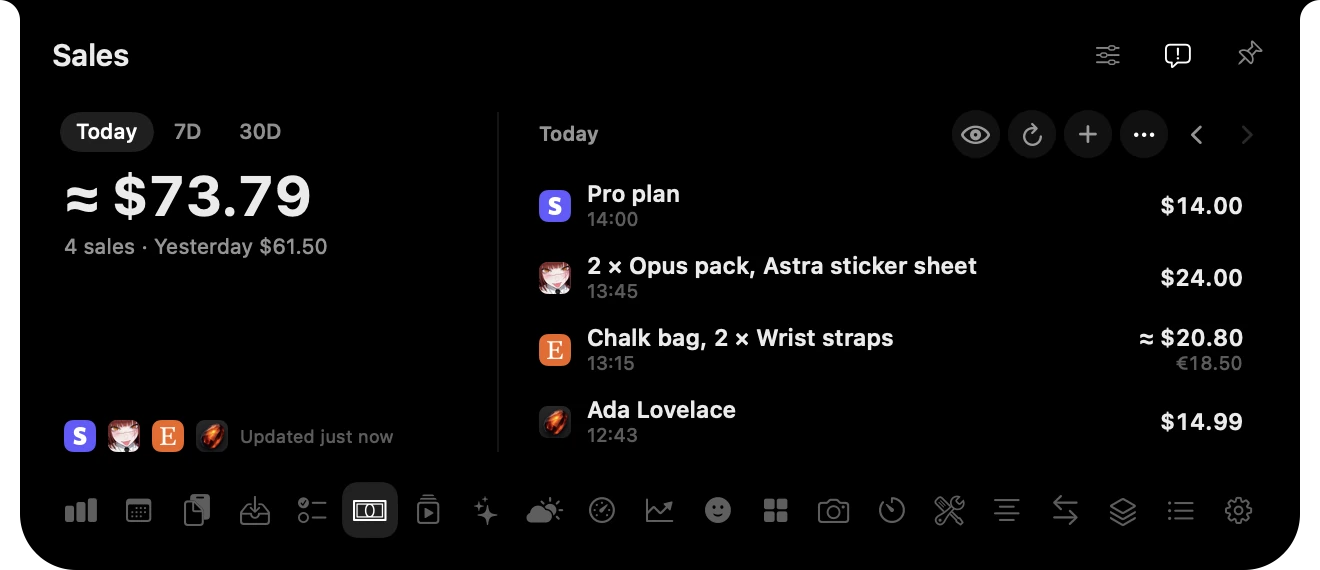
Your latest orders, right in the notch. Connect your store and hear the next sale arrive.
See what’s taking off across your Tracer-connected accounts. Open any post to see its views.

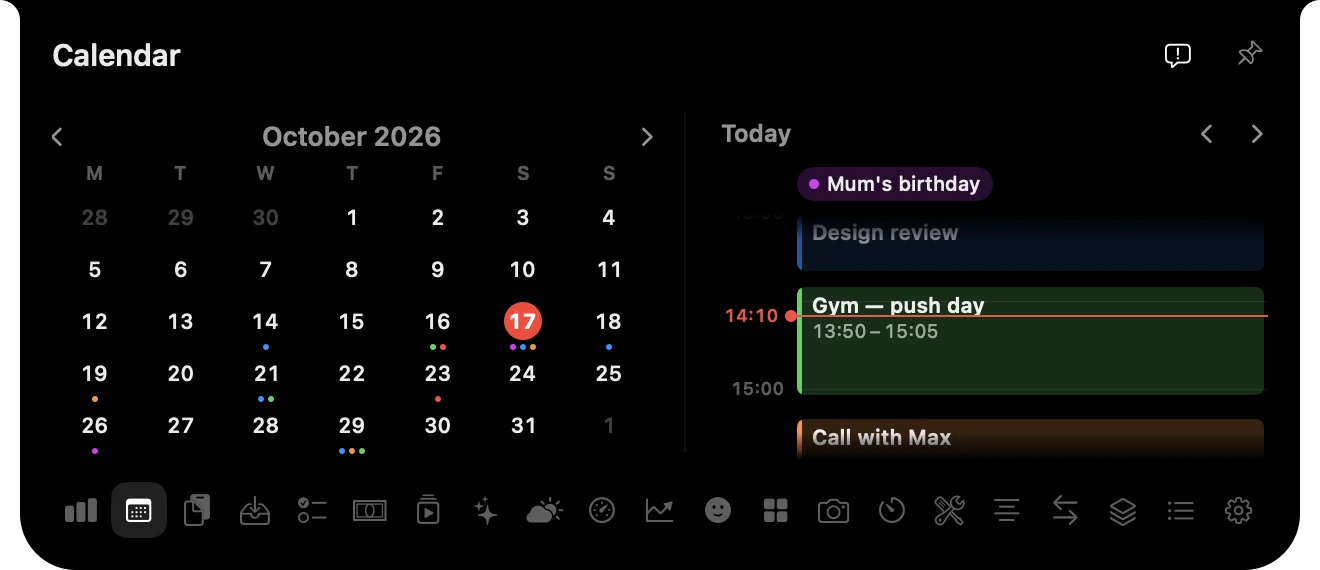
Your next event and the month ahead. Exactly where you’re already looking.
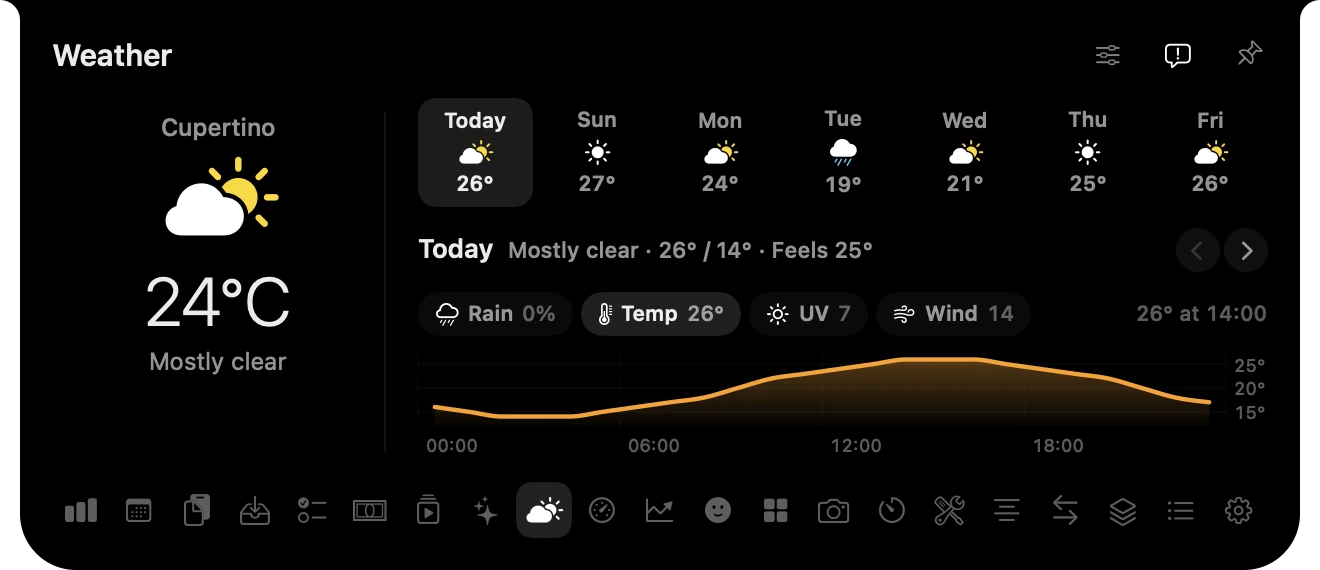
Rain later? Warm tomorrow? Your forecast, one hover away.
Everything you copied, searchable, including pictures, files and links.
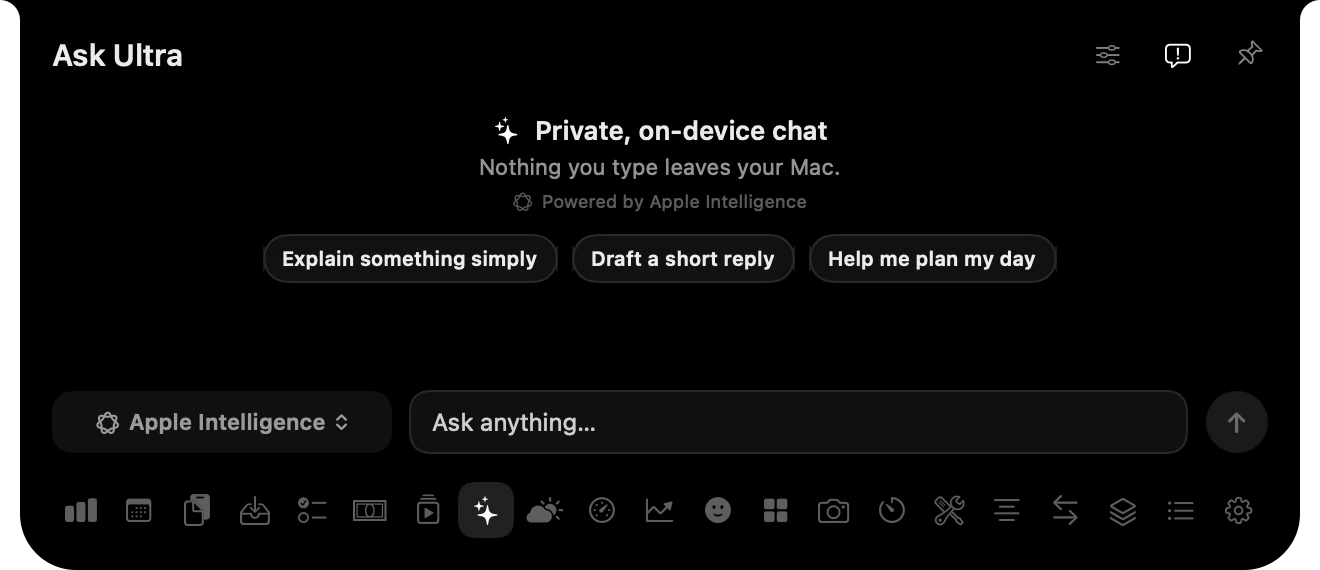
Chat on device with Apple Intelligence, or with ChatGPT and Claude models.
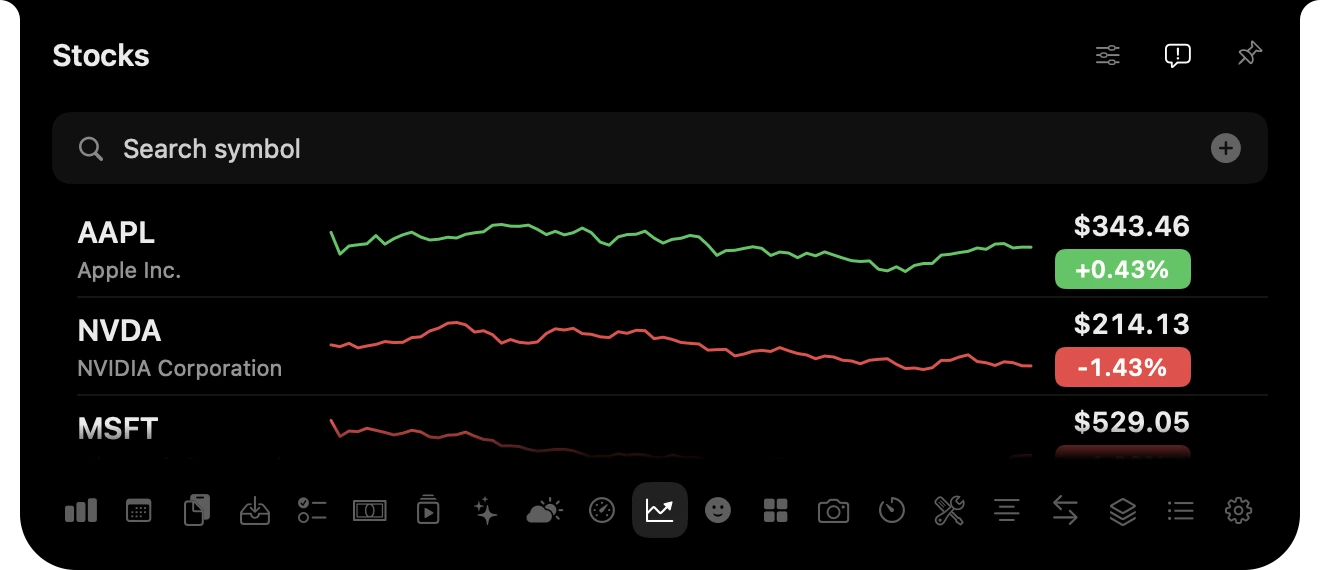
Your watchlist and holdings as percentage change, never balances.
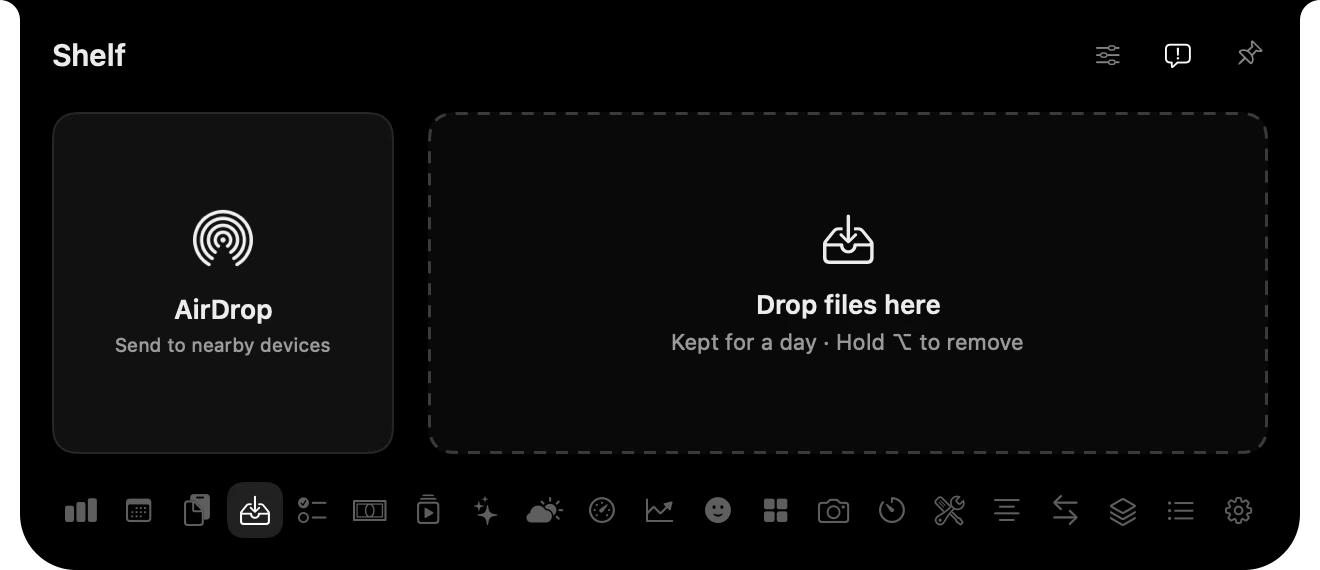
Drop a file on the notch to keep it for later or send it with AirDrop.
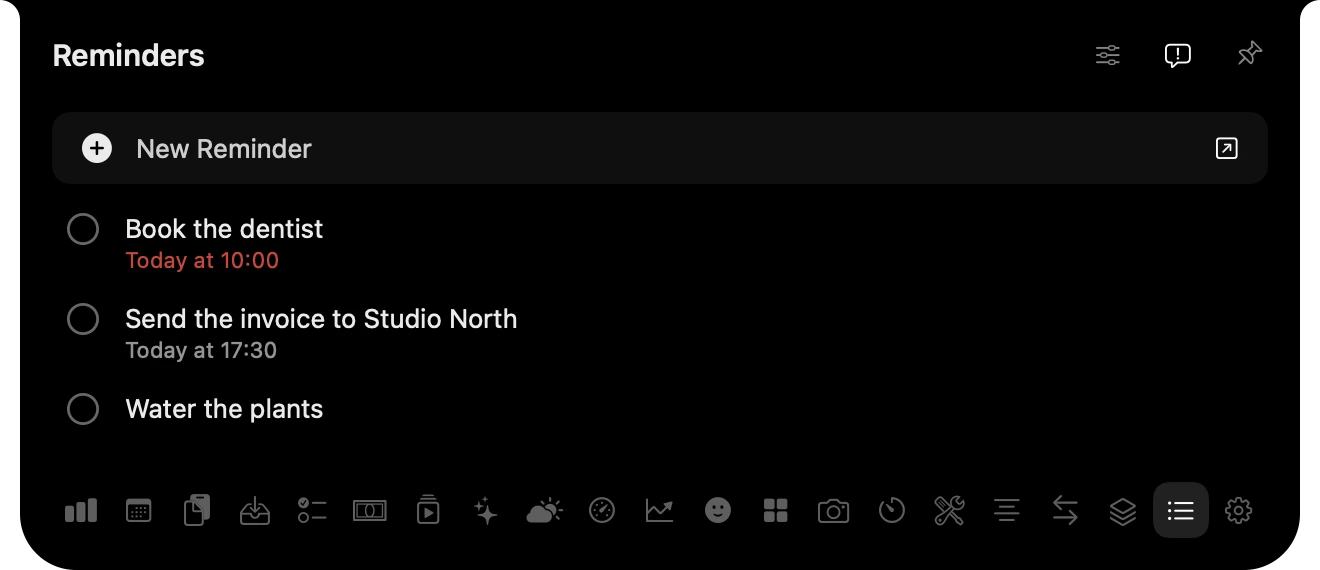
From the Reminders app, or from a plain Markdown task list you already keep.
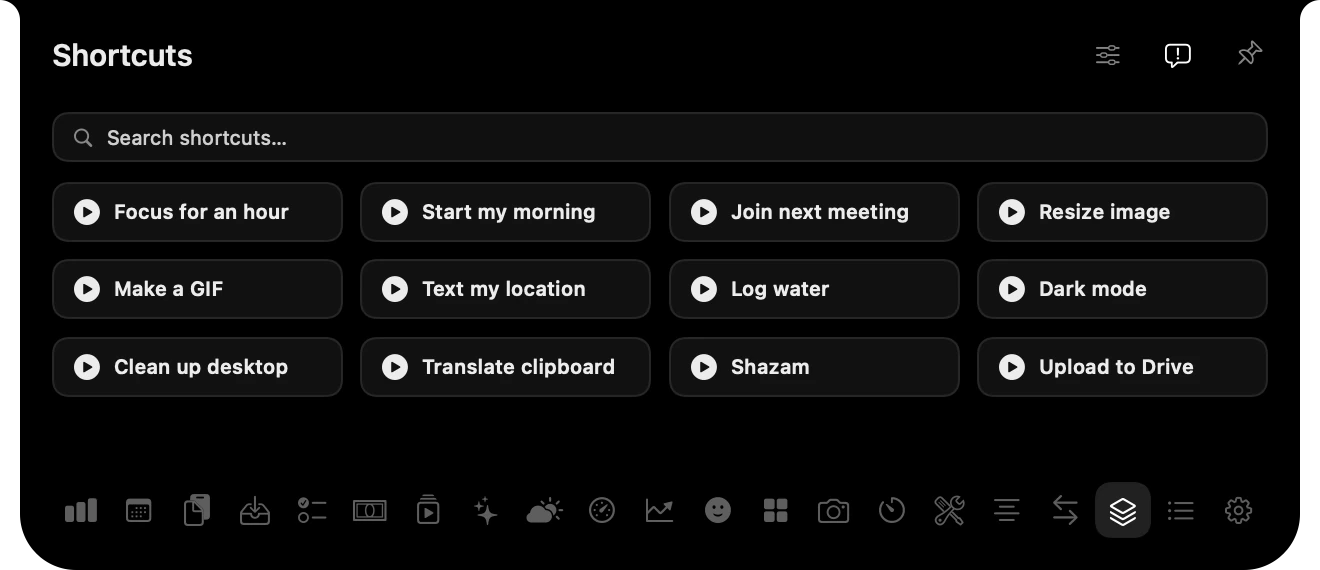
Run the shortcuts you choose, without opening the Shortcuts app.
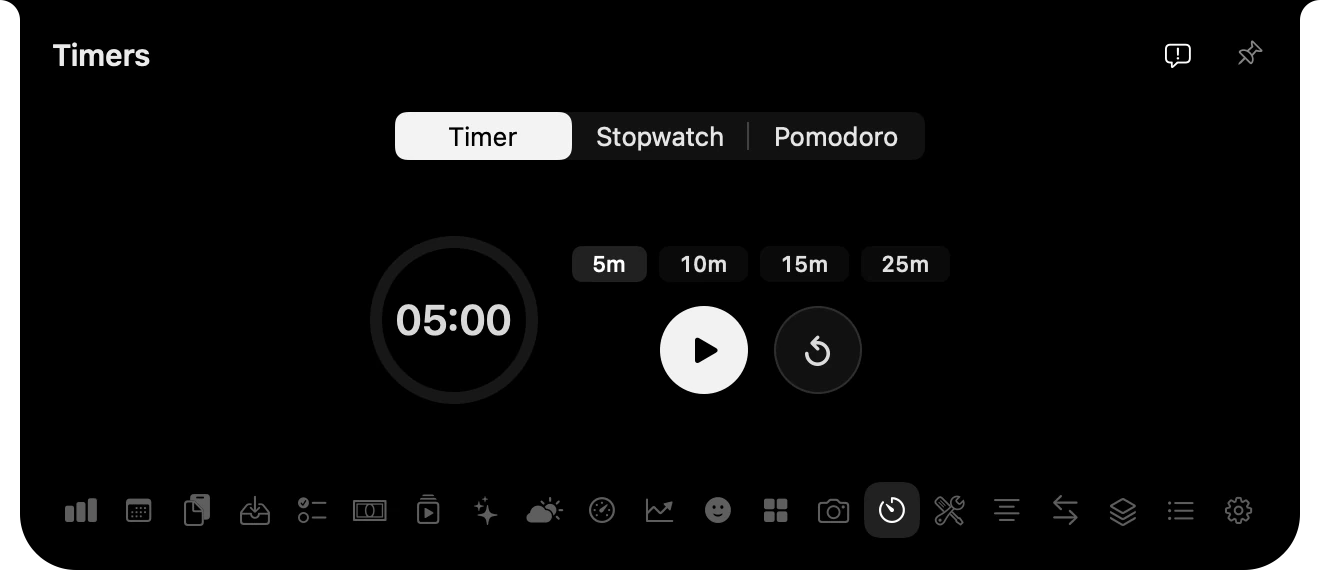
A timer, a stopwatch and Pomodoro, counting down beside the notch.
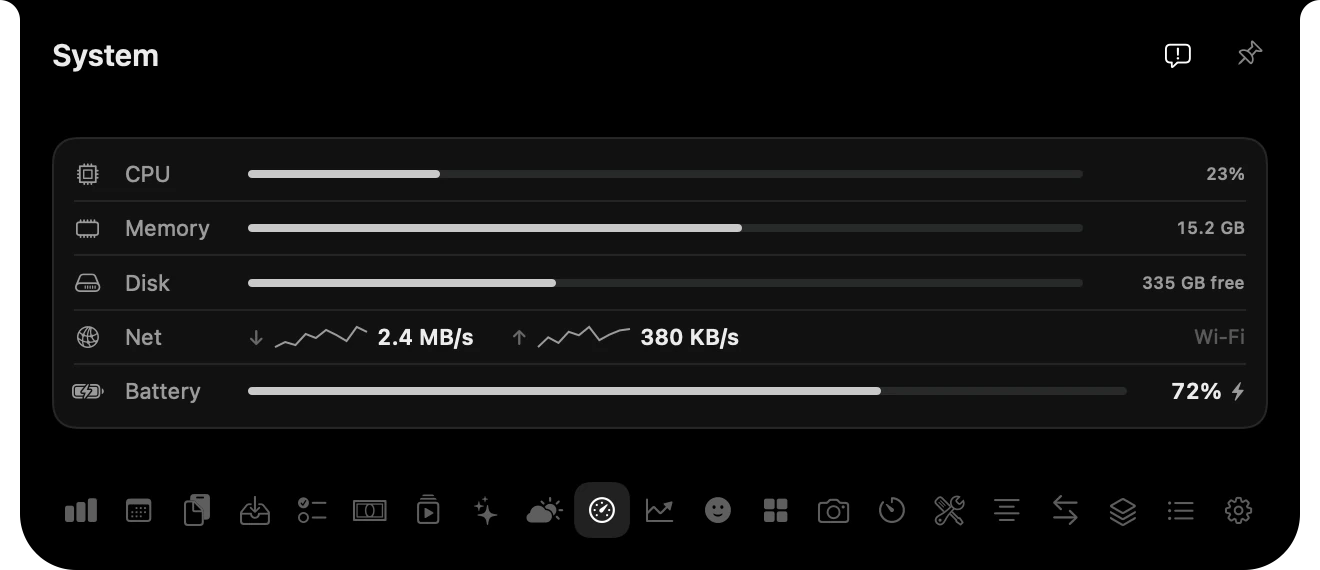
CPU, memory, disk, network and battery at a glance.
Also inside: a camera mirror, a teleprompter, quick notes, unit conversion and an emoji picker.
No ads. No analytics. Your sign-ins stay in your Keychain.
Each feature connects only to the service it needs: your AI provider, store, weather service or Tracer. macOS asks before UltraNotch reads a sign-in saved by another app. Ask Ultra can run entirely on device with Apple Intelligence.
Licensing sends your purchase key, a random installation identity and your Mac’s name to our licence service. We store your purchase email and hashed licence and installation identities for activation and support.
The installer reports its stage, macOS version and chip. It does not send your files or app content.
One payment. Every tool. Up to three Macs.
USD. Tax calculated at checkout.
7-day free trial · 14-day money-back guarantee · No subscription
Try every tool free for seven days.
No card required. Then $14.99 once, for up to three Macs.
Paste it into Terminal. UltraNotch checks the download, installs in Applications and opens.
Requires macOS Sonoma 14 or later, on Apple silicon or Intel. Run it again any time to update; UltraNotch can also update itself from Settings.